The Visual-First Bottleneck
Leading creative tools like Procreate, Photoshop, and Illustrator require visual feedback for every stroke, color blend, and layer position. Non-sighted creators are excluded from real-time spatial awareness.
An accessible, multimodal creative suite empowering visually impaired creators to illustrate, compose, and explore digital artwork through touch, spatial audio, and conversational AI.
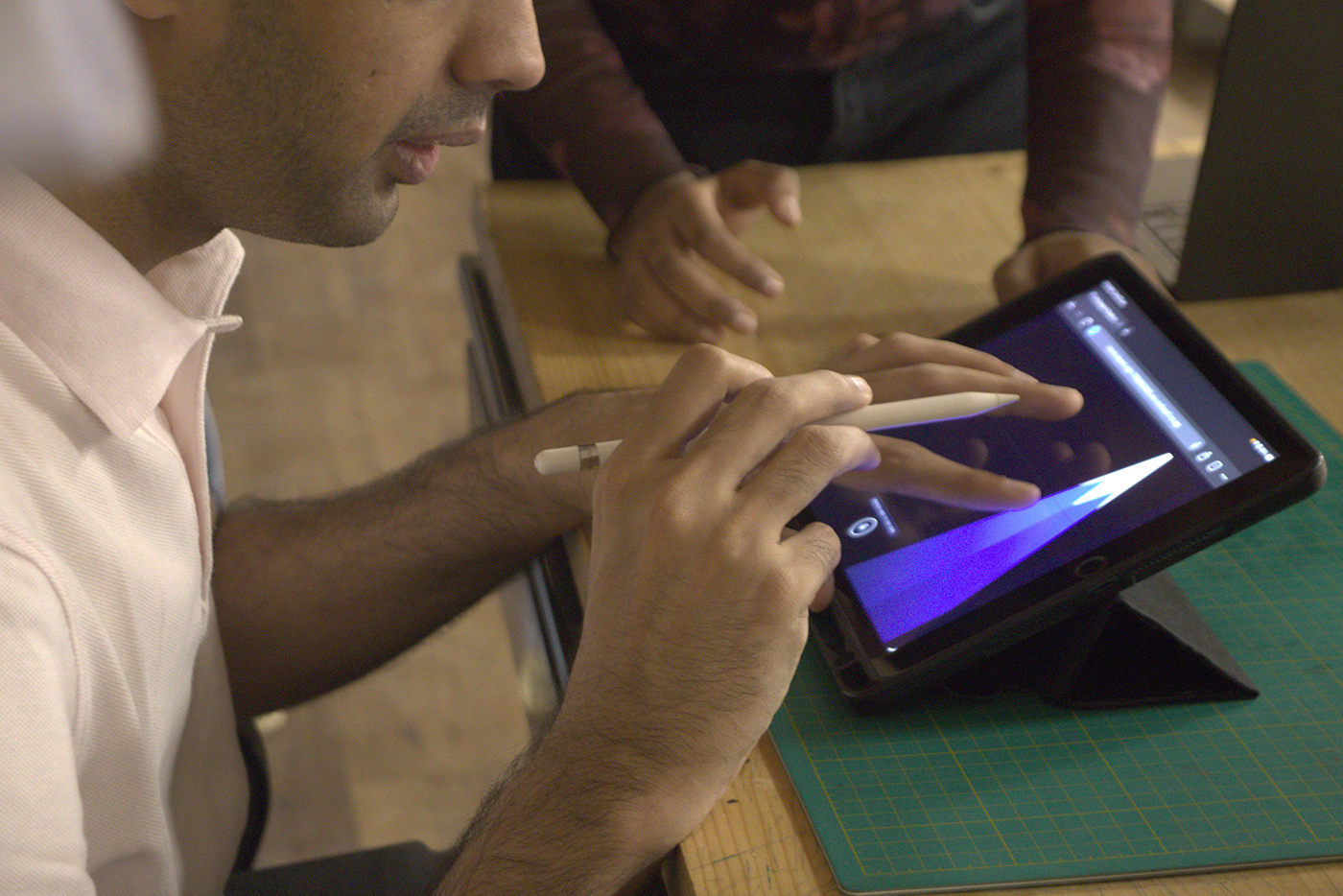
Bimanual Interaction in Practice: Inspired by two-handed Braille reading, creators hold the Apple Pencil for sketching while using the non-dominant hand for spatial orientation and boundary verification.
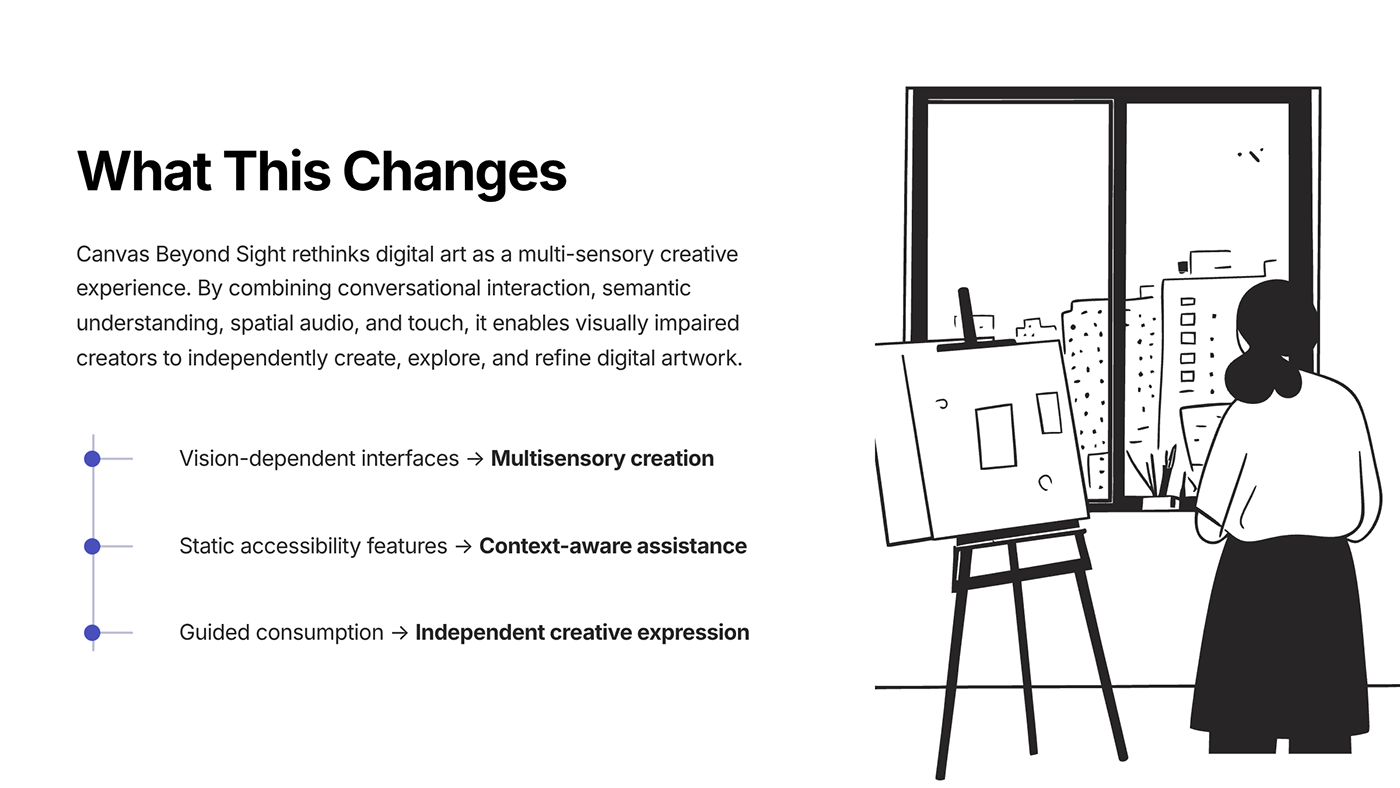
Canvas Beyond Sight rethinks digital art as a multi-sensory creative experience. By combining conversational interaction, semantic understanding, spatial audio, and touch, it enables visually impaired creators to independently create, explore, and refine digital artwork.
Traditional digital creative suites are overwhelmingly visual-first, isolating non-sighted artists from direct visual composition. This project transforms accessibility from passive consumption into active, self-directed artistic agency.
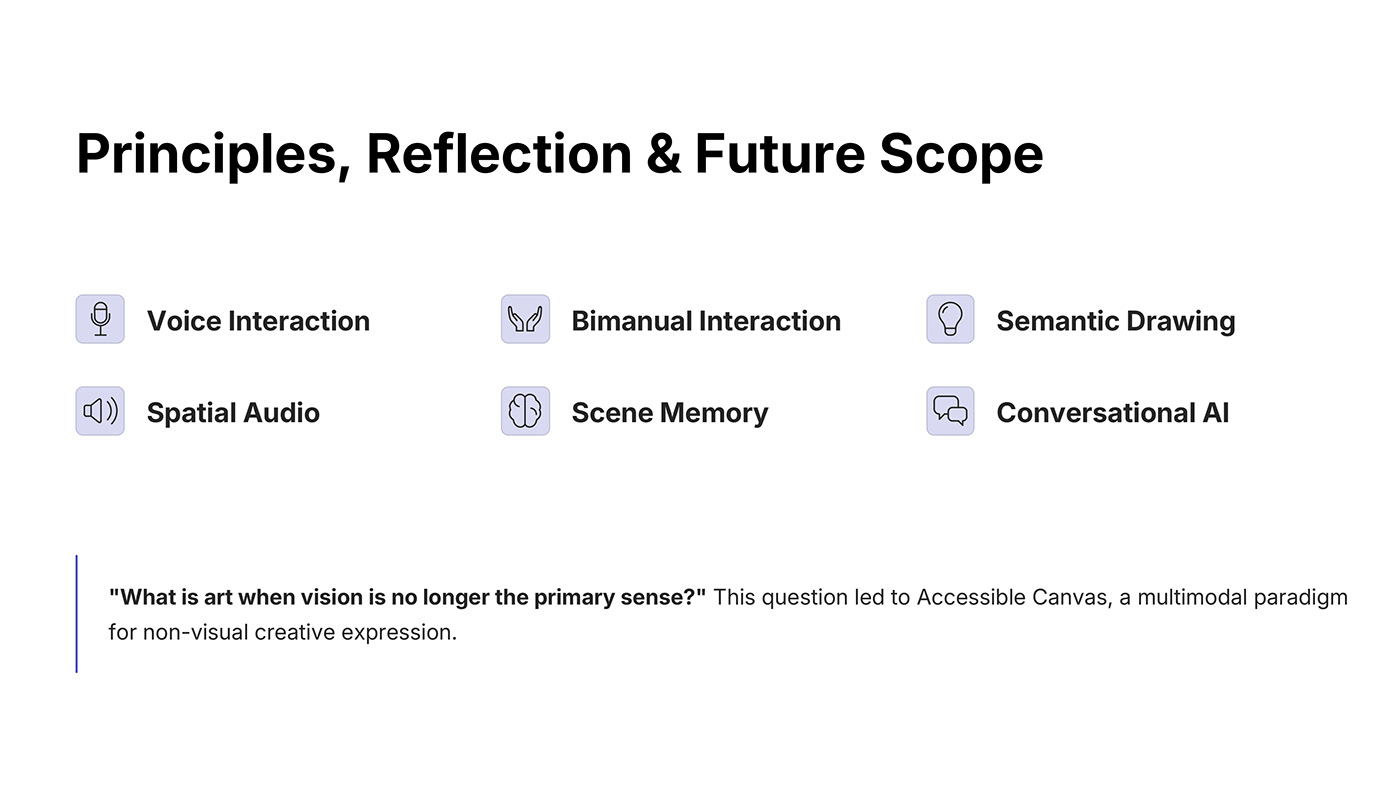
"What is art when vision is no longer the primary sense?"
Visual art tools assume immediate visual perception at every stage. For creators who are blind or low vision, digital tools offer almost zero independent agency.
Leading creative tools like Procreate, Photoshop, and Illustrator require visual feedback for every stroke, color blend, and layer position. Non-sighted creators are excluded from real-time spatial awareness.
Standard assistive tech (like screen readers) is designed to read linear document trees or describe existing images. They cannot support the active, exploratory, non-linear act of freehand composition.
Physical tools (embossing styluses, Sewell drawing boards, wax sticks) provide tactile lines but lack digital non-destructive editing, unlimited undo, zooming, and spatial audio exploration.
To design an interface that does not depend on vision, six interconnected multi-sensory modalities were developed.
Natural speech commands allow users to describe intent, request semantic region feedback, and refine elements hands-free while drawing.
Inspired by Braille reading, one hand draws with the Apple Pencil while the non-dominant hand orients on screen edges and verifies landmarks.
Abstract geometric marks are assigned semantic meaning defined by the user rather than an automated guessing algorithm.
Vertical canvas placement is sonified via pitch (higher pitch at the top), while horizontal placement is mapped to stereo panning.
The system maintains a relational scene memory model tracking object proximity, semantic depth, and contextual spatial arrangements.
The AI acts as an intentional collaborator that clarifies ambiguities and asks questions without stripping away artistic ownership.
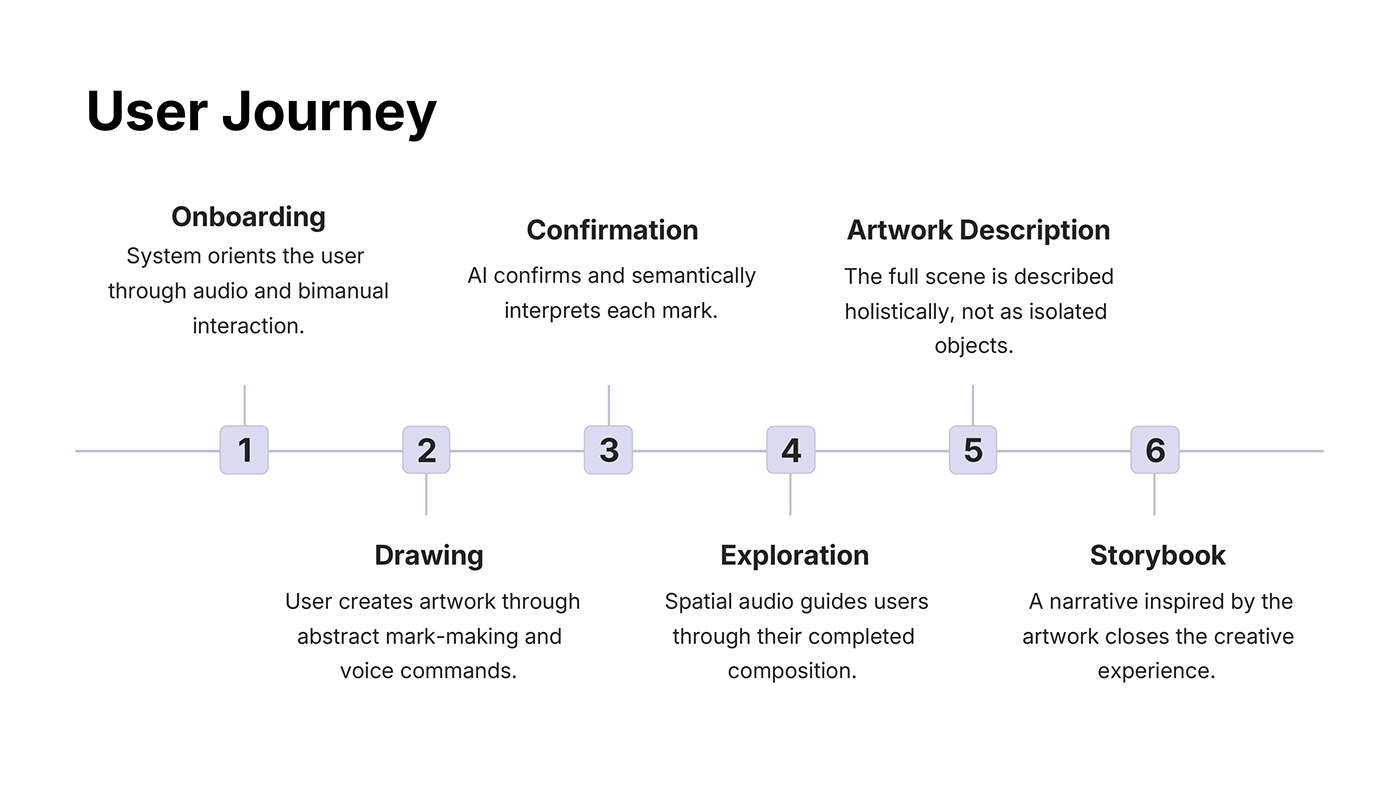
The creation process follows six continuous stages, guiding the artist from physical orientation through mark-making to an imaginative storybook finale.
System orients the user through audio cues and bimanual tactile interaction before drawing starts.
User creates artwork through abstract mark-making paired with immediate voice commands.
AI confirms and semantically interprets each mark in dialogue with the user.
Spatial audio and semantic regions guide users through their evolving composition.
The full scene is described holistically, conveying composition and proximity rather than isolated tags.
A narrative inspired by the artwork concludes the session, shifting from accessibility to imagination.
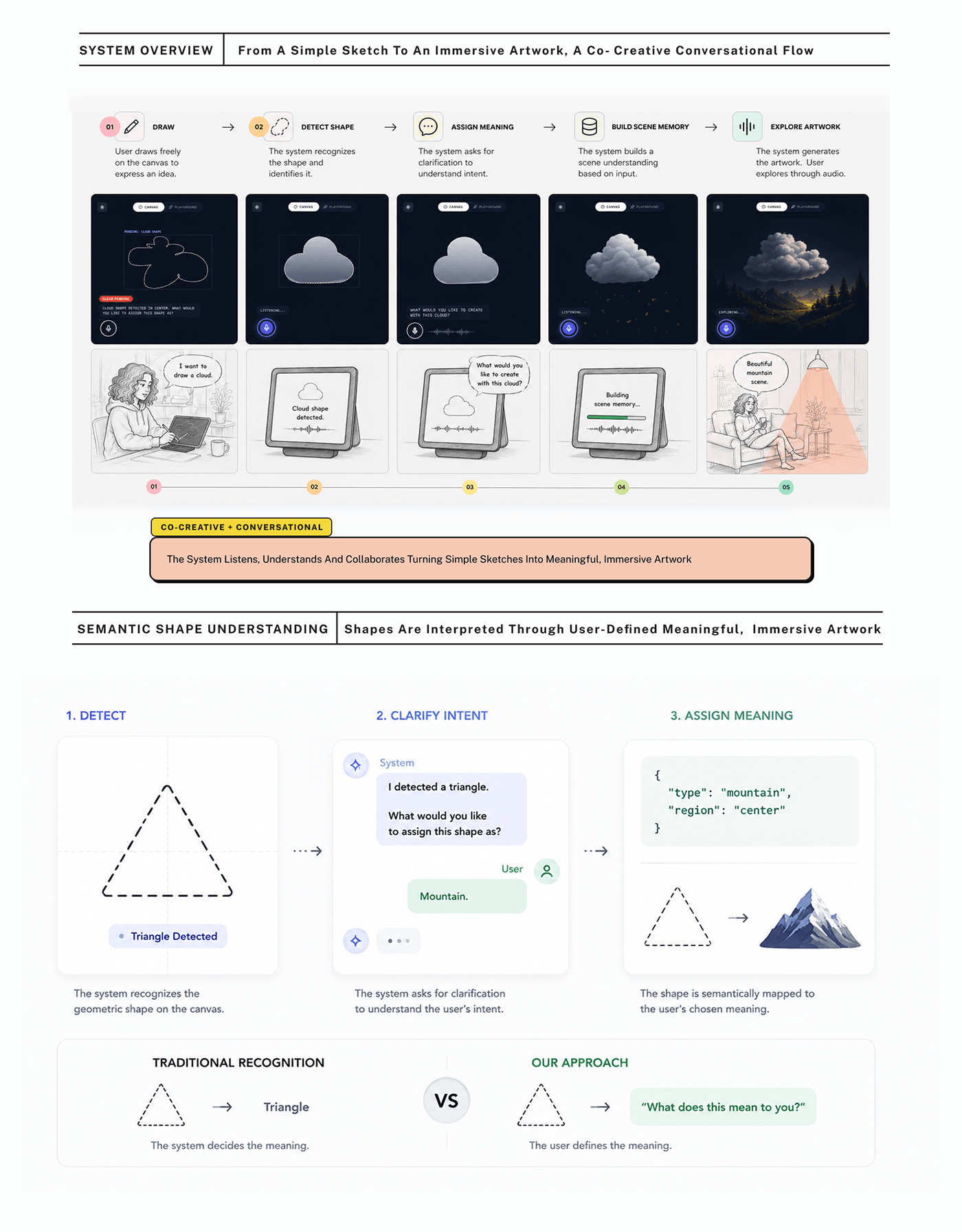
From a simple sketch to an immersive artwork, the system operates as a co-creative conversational partner.
Most AI drawing tools replace the user's intent with machine prediction. Canvas Beyond Sight ensures the user always defines the artistic meaning.
A drawn triangle is rigidly classified as a geometric "Triangle". The artist's symbolic intent is ignored.
The system detects geometry, prompts the user for clarification, and semantically registers their answer (e.g. "Mountain") into scene memory.
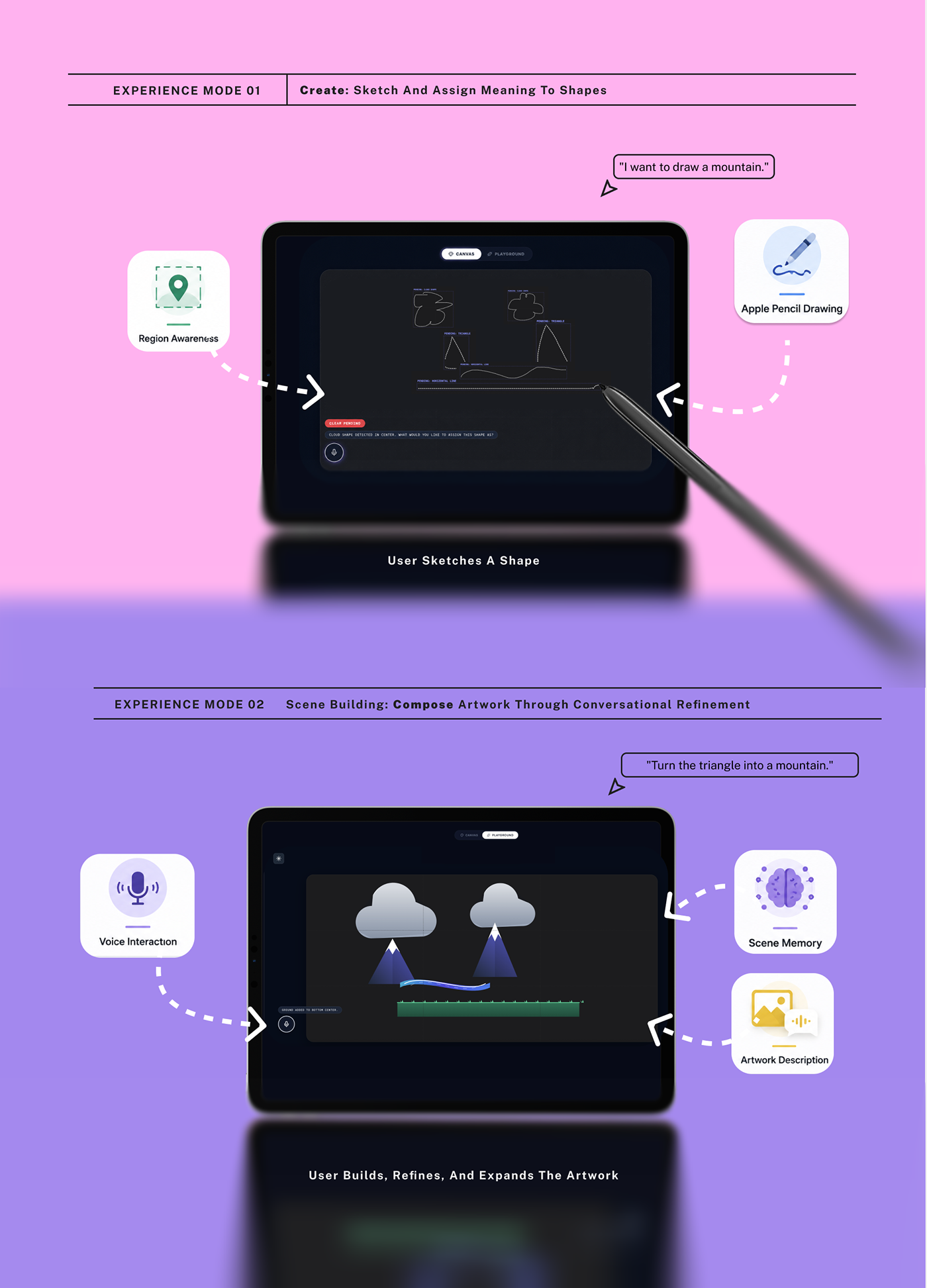
The tactile, sonic, and conversational mechanics that make non-visual creation fluid and reliable.
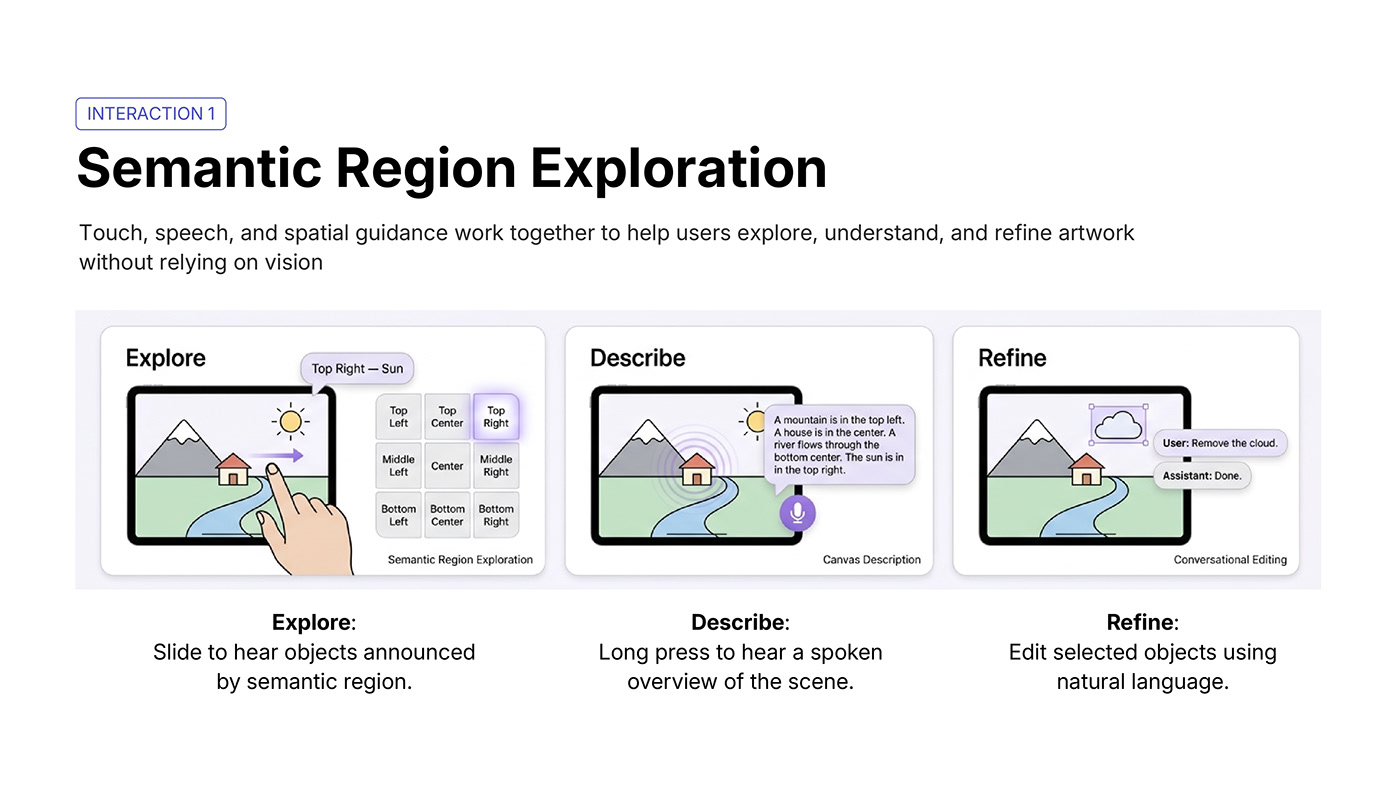
Touch, speech, and spatial guidance work together to help users explore, understand, and refine artwork without relying on vision. Sliding a finger across the canvas announces objects mapped to a 3×3 spatial matrix.
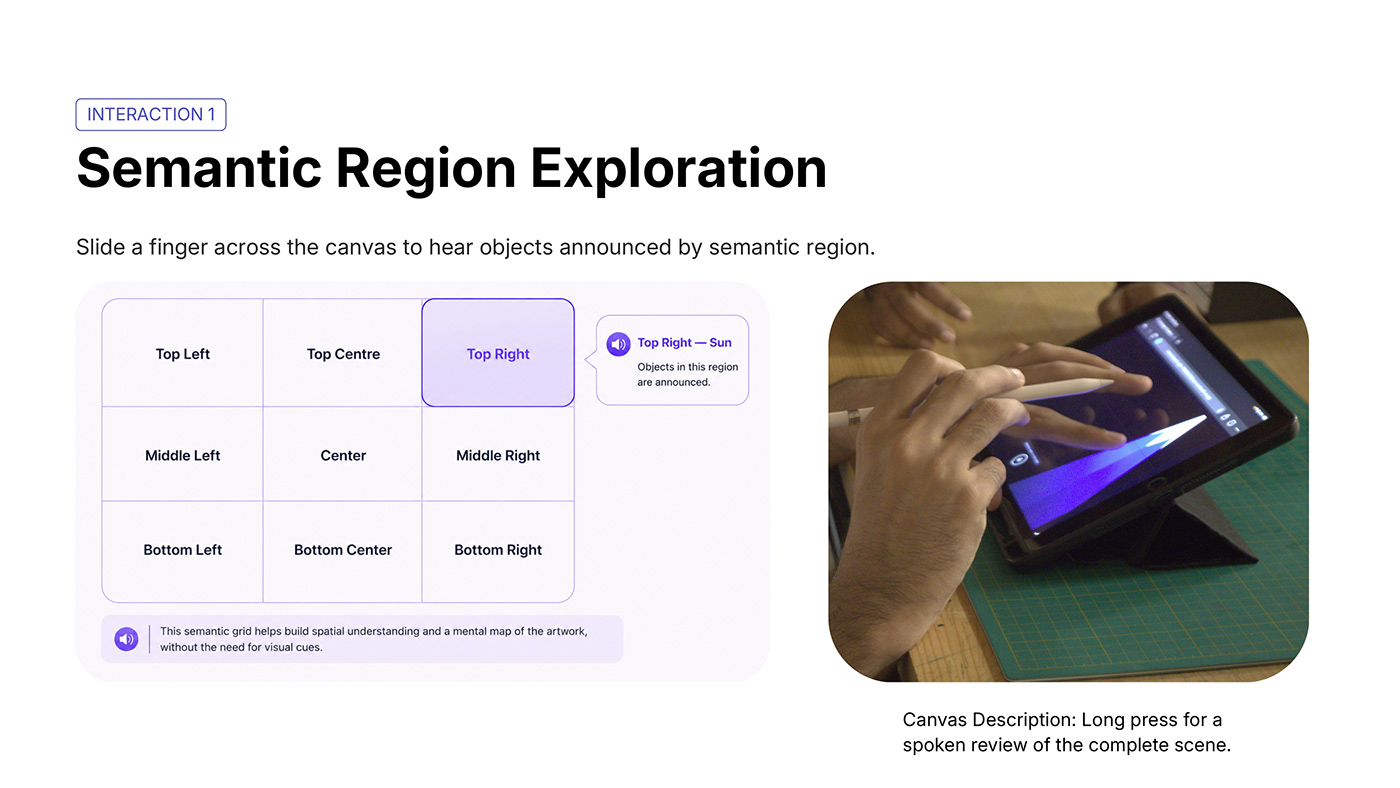
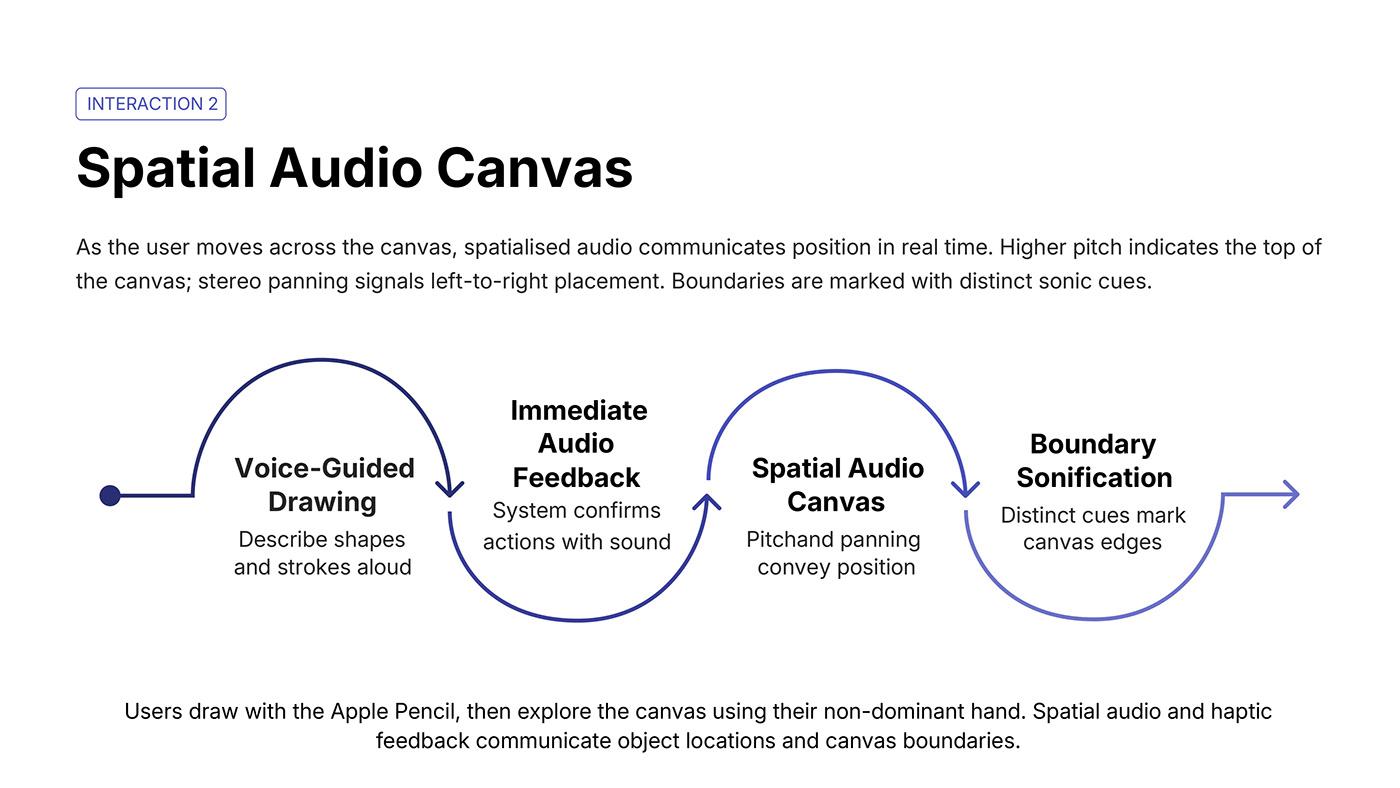
As the user moves across the canvas, spatialised audio communicates position in real time. Higher pitch indicates the top of the canvas; stereo panning signals left-to-right placement. Boundaries are marked with distinct sonic cues.
User describes shapes and strokes aloud while the stylus is in motion.
System confirms actions instantly with distinct acoustic sound signatures.
Continuous pitch and stereo panning communicate exact coordinate placement.
Distinct haptic clicks and edge frequencies warn when nearing canvas borders.
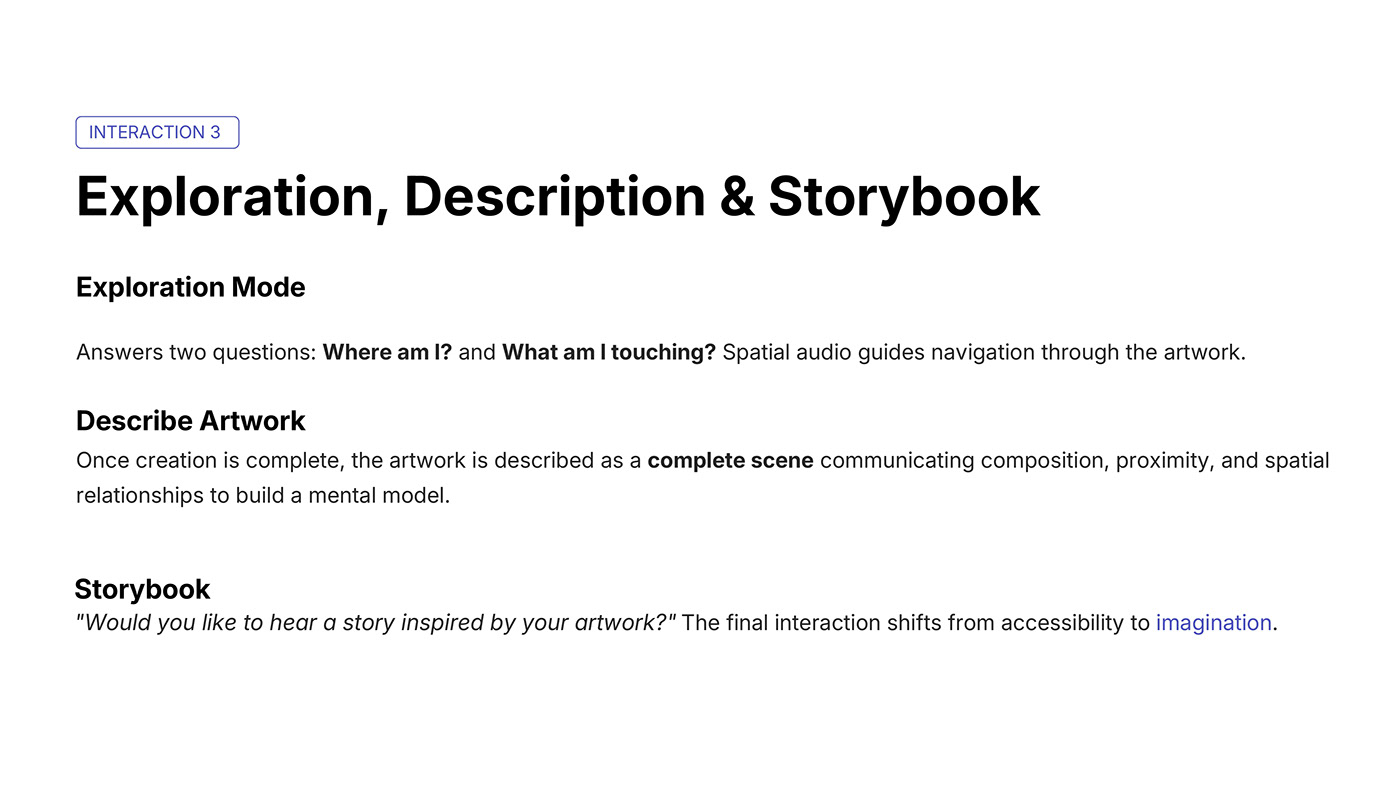
Addresses the two fundamental questions: "Where am I?" and "What am I touching?" Moving beyond utility to imaginative expression.
Provides rapid answers to position and content queries via continuous spatial audio guides.
Communicates the complete scene holistically (composition, proximity, and relationships) to build a mental map.
"Would you like to hear a story inspired by your artwork?" Shifting from accessibility to pure imagination.
Key considerations behind the interface design, sensory orientation, and hardware choices.
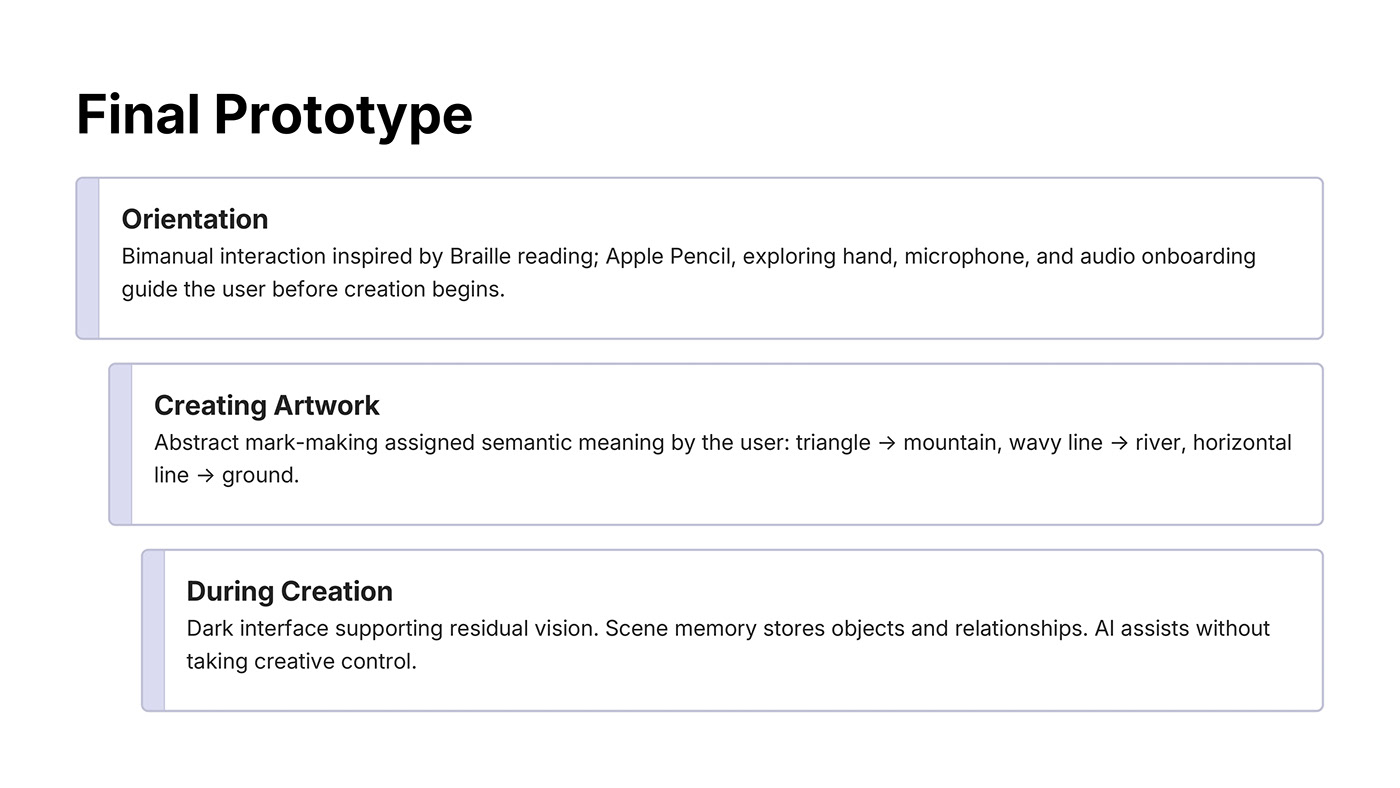
Bimanual interaction inspired by Braille reading: Apple Pencil in one hand, non-dominant exploring hand, microphone, and audio onboarding orient the creator before drawing starts.
Abstract marks are mapped to concrete meanings chosen by the user: triangle → mountain, wavy line → river, horizontal line → ground or horizon.
High-contrast dark canvas reduces eye strain and supports users with partial vision. Scene memory stores object relationships without AI taking creative control.
Key reflections from designing a co-creative digital art experience with multi-sensory interactions.
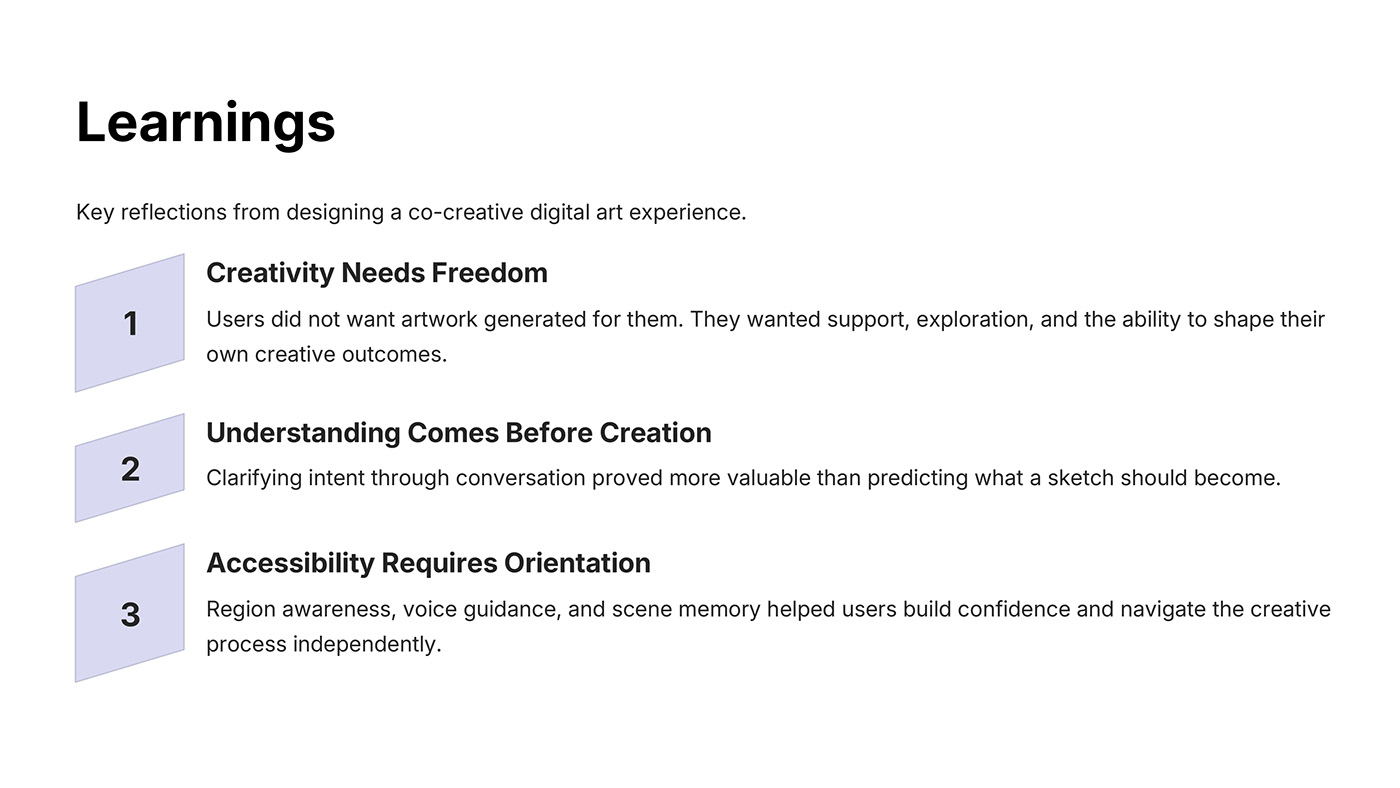
Users did not want artwork generated for them. They wanted support, exploration, and the ability to shape their own creative outcomes.
Clarifying intent through conversation proved more valuable than predicting what a sketch should become.
Region awareness, voice guidance, and scene memory helped users build confidence and navigate the creative process independently.